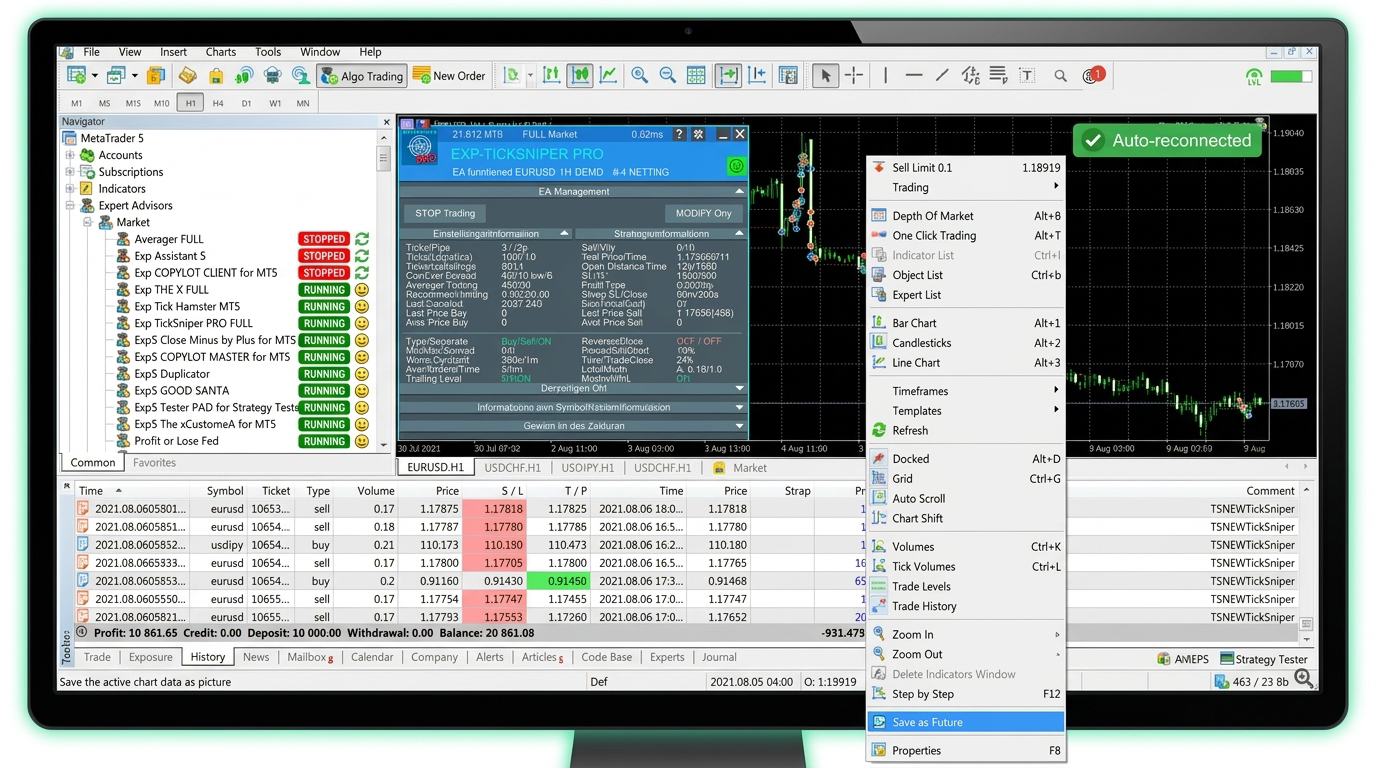
For prop-firm & multi-account traders running EAs on their own Windows VPS
Your VPS restarts on schedule. Your EAs get back on their charts.
Most prop and multi-account traders run their bots on a self-managed Windows VPS, from their broker, ForexVPS, Cloudzy or their own box, and set it to restart on a schedule. Every scheduled restart strips your EAs off their charts, and your funded accounts sit idle until you notice. EA Sentinel puts each EA back on its chart after a scheduled restart, so your accounts keep trading.
No credit card · Works with MT4 & MT5 on any self-managed Windows VPS · Read-only, never touches your funds
Set it up once. Trade through the next scheduled restart.
Your VPS being up isn’t the same as your EA trading. After a scheduled restart the terminal can come back with your EAs stripped off their charts. EA Sentinel puts them back.
Your EA sends a pulse
Drop one lightweight script on your MT4/MT5 chart. It sends EA Sentinel a heartbeat every minute, proof the bot is actually running, not just that the VPS is on.
EA Sentinel watches the clock
The moment a pulse is late, usually right after your VPS runs its scheduled restart, Sentinel relaunches the terminal and re-attaches each EA to its chart, with its settings.
You get pinged it recovered
A plain-English Telegram, email or SMS alert, “back trading in 14s”, not a log file to decode. You only get woken up when something actually needs you.
Pinged on the channels you actually check
Know every account is trading, without logging in
A live heartbeat, a clear “still trading” status, and every recovery logged. Stop RDP-ing into your VPS just to check it’s breathing.
- ✓Scheduled VPS restart → MT5 relaunched → EA re-attached to EUR/USDTue 00:41 · back trading in 18s
- ✓Scheduled nightly restart → 3 EAs re-attached across 3 accountsMon 03:12 · back trading in 22s
- •Heartbeat OK, EA trading normallynow
Less than your VPS. And less than one missed trade.
Start free with one EA on the monitor. Upgrade to auto-restart when you want your funded and multi accounts back on their charts after every scheduled VPS restart. Cancel anytime, no lock-in.
Free
Watch one EA, forever. The simplest way to know your bot is still alive.
$0/mo
- Monitor 1 EA / account
- Per-EA heartbeat + live status page
- Email alert when it goes silent
- 7-day history
- No credit card
Pro
For prop-firm and multi-account traders who can't let a scheduled VPS restart pull a funded account offline.
$12/mo
- Monitor up to 5 EAs / accounts
- Auto-restart after a scheduled VPS restart, puts each EA back on its chart
- Re-attaches your EAs across every account
- Telegram + email + SMS alerts
- 90-day history & uptime stats
- ≈ $0.40/day, less than one missed trade

Frequently asked questions
The questions every algo trader asks before trusting something near their live account.
Does it place or close trades? Can it see my money?
No to both. EA Sentinel never sends an order, never touches your strategy, and doesn’t publish your account anywhere. It only watches that the terminal and your EA are running, and puts them back after a scheduled VPS restart.
Isn’t auto-restart already handled by my broker VPS or MetaTrader’s VPS?
Those help if you run on MetaTrader’s hosted VPS. Most prop and multi-account traders don’t, they run on a self-managed Windows VPS from their broker, ForexVPS, Cloudzy or their own box. On those, a scheduled restart often leaves your EA stripped off the chart while the terminal still looks “connected.” EA Sentinel runs on your VPS, puts each EA back on its chart after the restart, and pings your phone.
What can’t it fix?
Honest answer: things outside a scheduled restart. We’ve verified auto-restart for scheduled and programmatic VPS restarts, the common “restart my VPS every night or week” setup. We haven’t yet verified it against an unscheduled Windows-update reboot, so we won’t claim it. And if your broker disables AutoTrading server-side, or your strategy itself is losing, that’s not something a watchdog should override, and we won’t pretend to.
Which brokers and platforms?
Any broker on MetaTrader 4 or 5. The agent runs alongside your terminal on any self-managed Windows VPS, your broker’s, ForexVPS, Cloudzy, or your own box.
Do I need to be technical to set it up?
No. Drop one script on your chart, paste a token, and you’re live in a few minutes. The free tier needs nothing but an email.
How do I get started?
Start with the free monitor, watch one EA and get an email if it goes silent. Upgrade to Pro when you want auto-restart after scheduled VPS restarts, more accounts, and Telegram/SMS alerts.